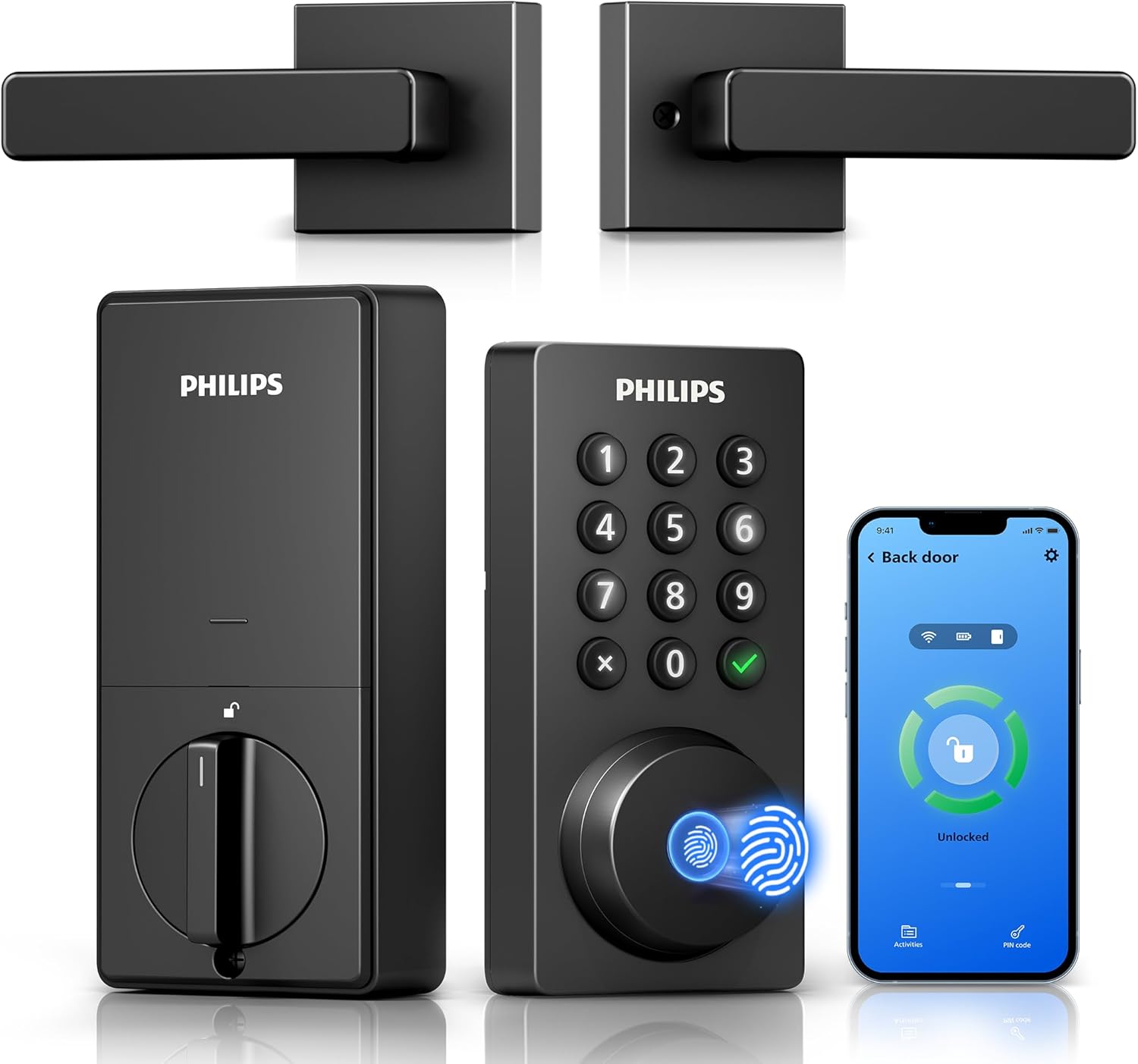
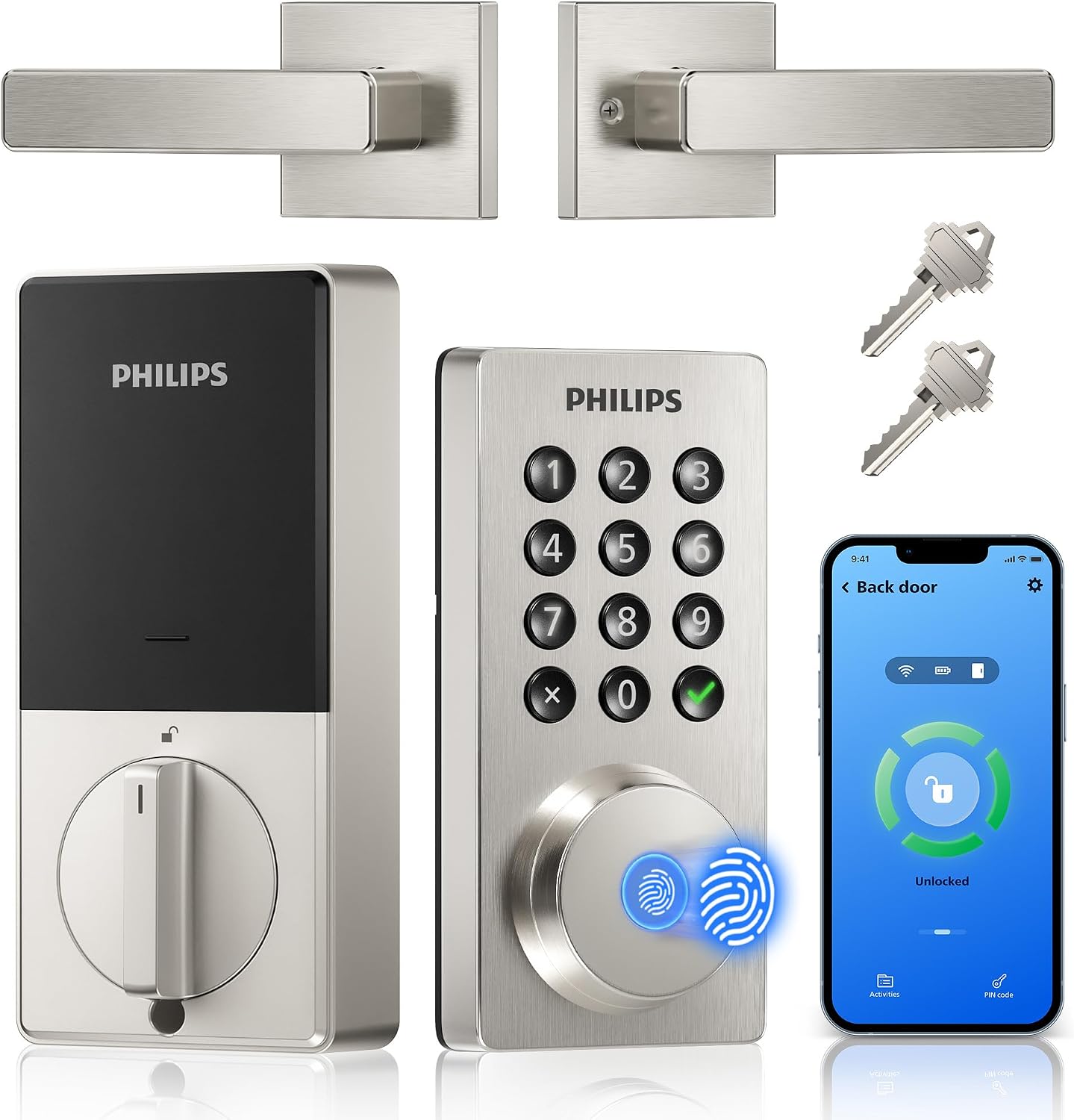

Upgrade your home security with the PHILIPS WiFi Keypad Deadbolt, a comprehensive smart door lock that eliminates the need for a hub by connecting directly to your 2.4GHz network. Manage access remotely via the app, control the lock with voice assistants, and enjoy 0.3-second fingerprint entry for seamless convenience. Featuring versatile PIN codes and auto-lock options, this model offers up to six months of battery life, making it a reliable and efficient choice for modern households.
Philips WiFi Keypad Deadbolt: No Hub Needed Smart Door Lock
If you are looking for a smart door lock that connects directly to your home Wi-Fi without extra bridge hardware, the Philips WiFi Keypad Deadbolt with Handle is a compelling option. This 4200 Series model bundles a fingerprint reader, keypad, app control, and a matching door handle into a single front-door package, making it a strong contender for homeowners who want remote door access without buying a separate hub.
Product Overview
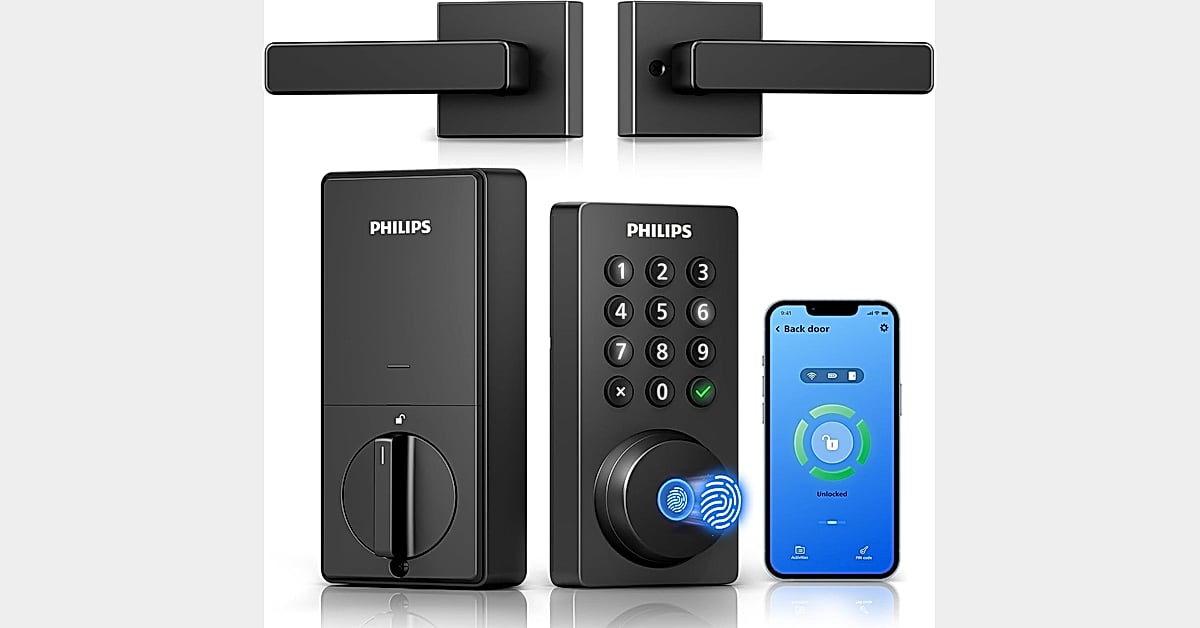
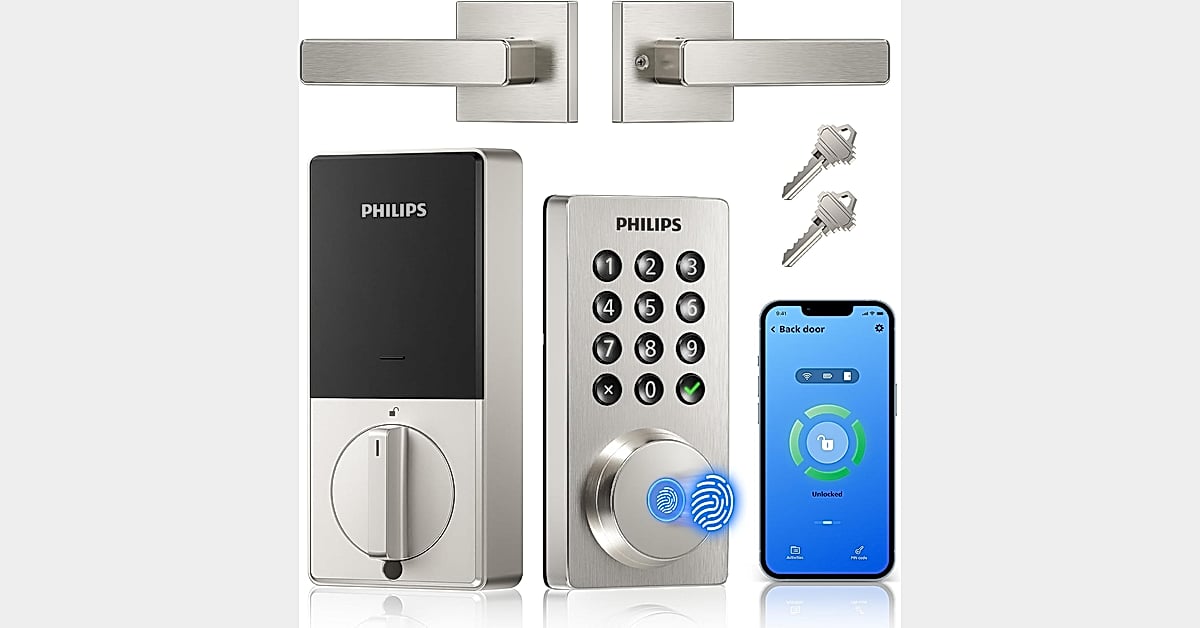
The Philips WiFi Keypad Deadbolt with Handle (4200 Series) is a keyless entry system designed for residential front doors. It offers multiple ways to unlock: fingerprint, PIN code, app control, and voice commands via Alexa or Google Assistant. The product is listed under Tools and Home Improvement, Door Hardware and Locks, Deadbolts, and is branded by Philips.
Key Features and Specifications
- No hub needed: Connects directly to 2.4GHz Wi-Fi. No extra hub or bridge required. Keep the lock within 33 ft (10 m) of the Wi-Fi router and minimize obstacles for a stronger connection.
- App control: Manage the lock remotely through the Philips Home Access App — lock/unlock, manage user codes and fingerprints, check door lock status, and monitor access history in real time.
- Voice assistant compatible: Works with Alexa and Google Assistant for hands-free locking and status checks.
- Fingerprint access: Unlocks in 0.3 seconds. Multiple fingerprints can be stored for family and trusted visitors.
- Auto-lock: Set the door to auto-lock in 0–180 seconds through the app. Auto-Lock is OFF by default and must be turned on manually.
- Battery life: Up to 6 months of daily use, with intelligent low-battery alert. Batteries are not included; use standard 1.5V alkaline batteries only. Do not use rechargeable or high-power lithium batteries.
- Complete handle set included: Comes with a matching handle set for an all-in-one front door lock set.
- Door compatibility: Fits most doors 1-3/8″ to 1-3/4″ (38mm to 50mm) thick. Designed for right-opening doors by default; reset for left-opening doors.
- Installation: Self-installation in minutes with a screwdriver. Do not overtighten screws.
- Customer service: Philips US-based team available by phone Mon–Fri 9AM–9PM and Sat 10AM–6PM PST, plus 24/7 via email.
Passcode Options
The keypad supports four passcode types, making it suitable for a variety of household and guest-access scenarios:
| Passcode Type | Best For |
|---|---|
| Permanent | Family members and regular residents |
| One-time | Single-use access for deliveries or one-off visitors |
| Periodic | Housekeepers or recurring service providers on a schedule |
| Recurring | Airbnb guests or rotating access needs |
Performance and Reliability
The manufacturer states a 0.3-second fingerprint unlock speed, which positions this biometric security lock as a fast-access option for busy households. The stated 6-month battery life with low-battery alerts aims to reduce maintenance concerns, though battery life will depend on usage frequency and environmental conditions. These are manufacturer claims; independent verification is not available in the supplied research.
Installation
The lock is designed for DIY installation on most standard doors between 1-3/8″ and 1-3/4″ thick. The manufacturer recommends following the installation video and ensuring wires are properly positioned. Screws should not be overtightened, as this may cause difficulty locking or unlocking. The default configuration is for right-opening doors; left-opening doors require a reset.
Strengths and Limitations
Strengths
- No hub required — direct Wi-Fi connection simplifies setup.
- Multiple entry methods: fingerprint, PIN, app, and voice.
- Flexible passcode management for family, guests, and short-term rentals.
- Fast claimed fingerprint unlock (0.3 seconds).
- Complete handle set included in the package.
- DIY installation with basic tools.
Limitations
- Batteries are not included; only standard 1.5V alkaline batteries are recommended.
- Auto-lock is OFF by default and must be enabled manually.
- Wi-Fi signal strength matters; the lock should be within 33 ft of the router with minimal obstacles.
- Door thickness and opening direction must be checked before purchase.
- Independent long-term reliability data is not available in the supplied research.
Frequently Asked Questions
Does this smart door lock require a hub?
No. The Philips 4200 Series connects directly to 2.4GHz Wi-Fi. No extra hub or bridge is needed.
How fast is the fingerprint unlock?
The manufacturer states 0.3-second fingerprint access. This is a stated specification, not an independently verified test result.
What passcode types are supported?
Permanent, one-time, periodic, and recurring PIN codes are supported, making it suitable for family, guests, housekeepers, and Airbnb use.
How long do the batteries last?
The manufacturer claims up to 6 months of daily use with a low-battery alert. Use standard 1.5V alkaline batteries only.
Is installation difficult?
The manufacturer states it can be installed in minutes with a screwdriver, compatible with most doors 1-3/8″ to 1-3/4″ thick. Check door size and opening direction before purchase.
Sources and Further Reading
Final Verdict
The Philips WiFi Keypad Deadbolt with Handle is a feature-rich app controlled deadbolt that emphasizes convenience through its no-hub Wi-Fi connection, fast claimed fingerprint access, and flexible passcode management. It suits households wanting a complete front-door upgrade with multiple entry methods and remote management. Buyers should verify door compatibility, plan for battery replacement, and enable auto-lock manually. As with any Philips smart lock, prospective buyers should weigh the convenience benefits against the limitations of battery dependence and Wi-Fi range requirements.