
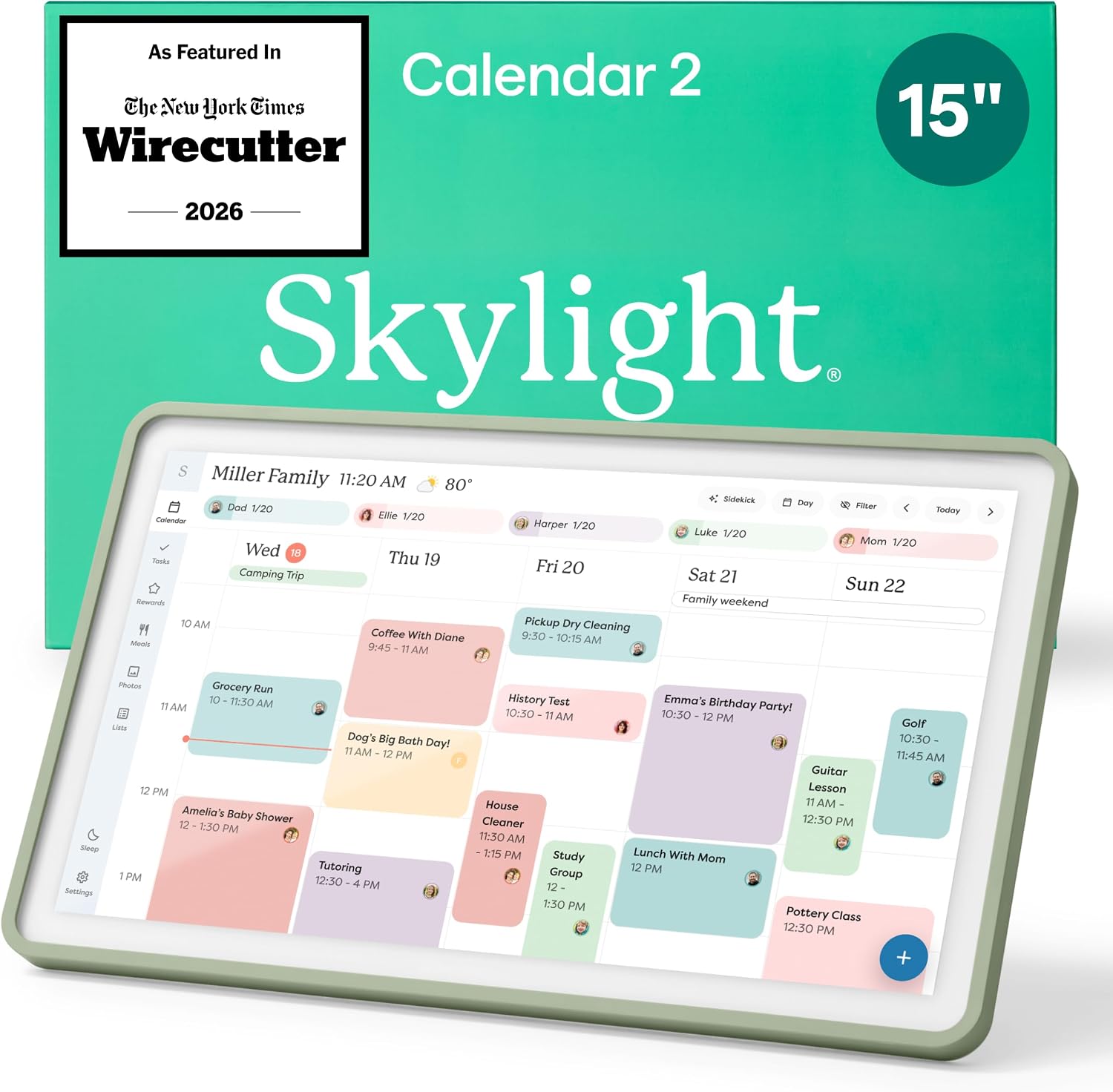
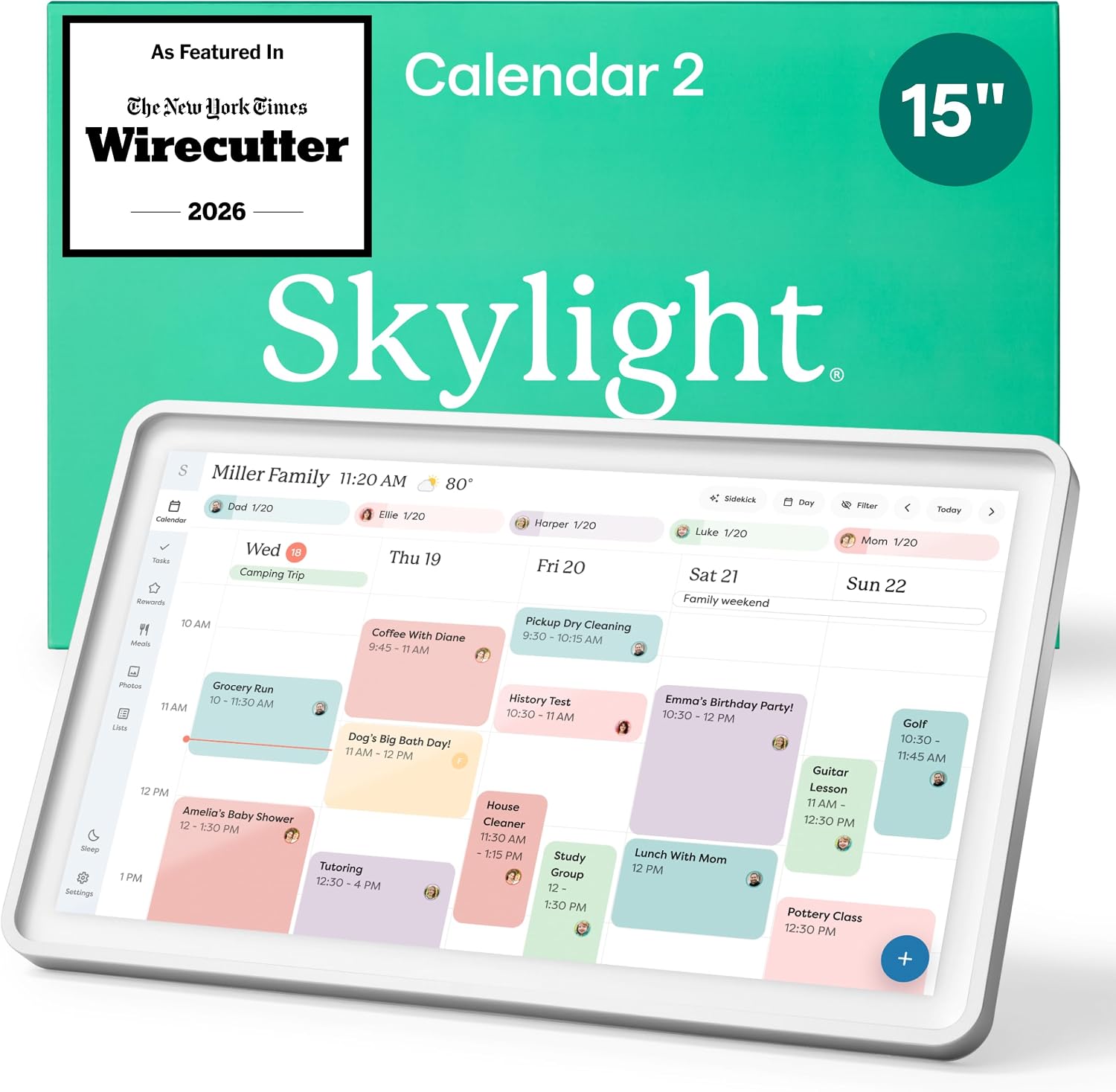
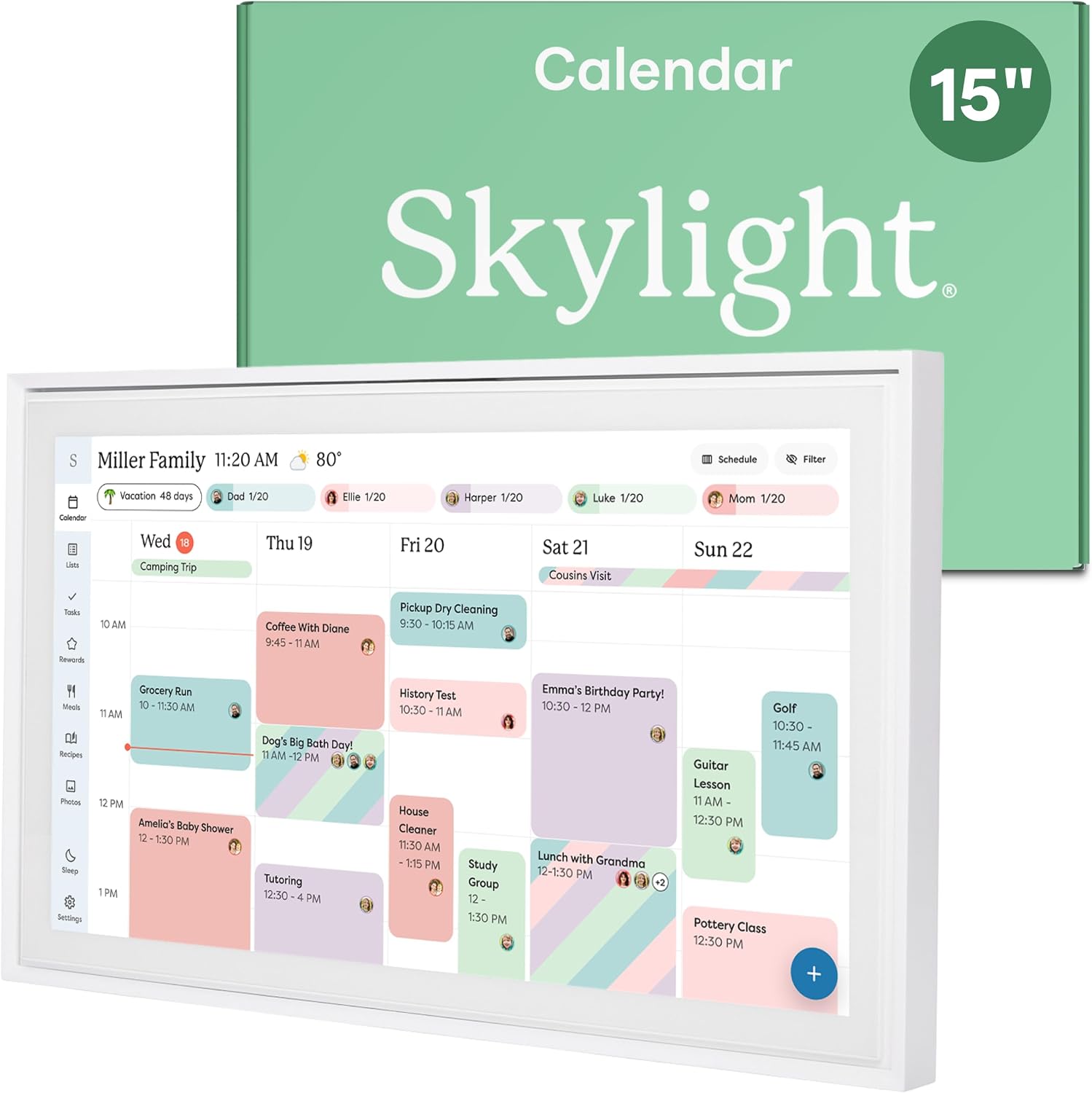
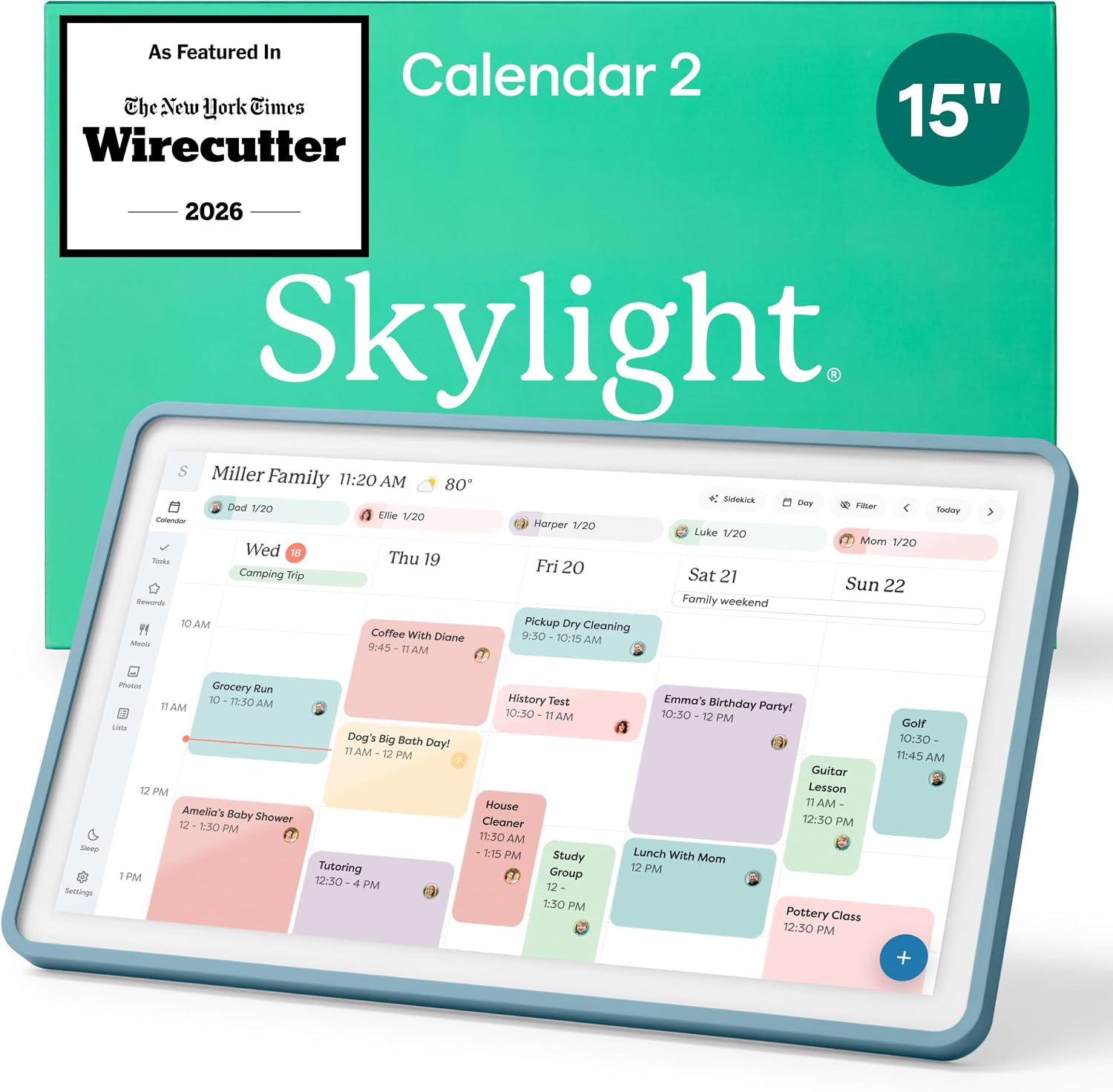
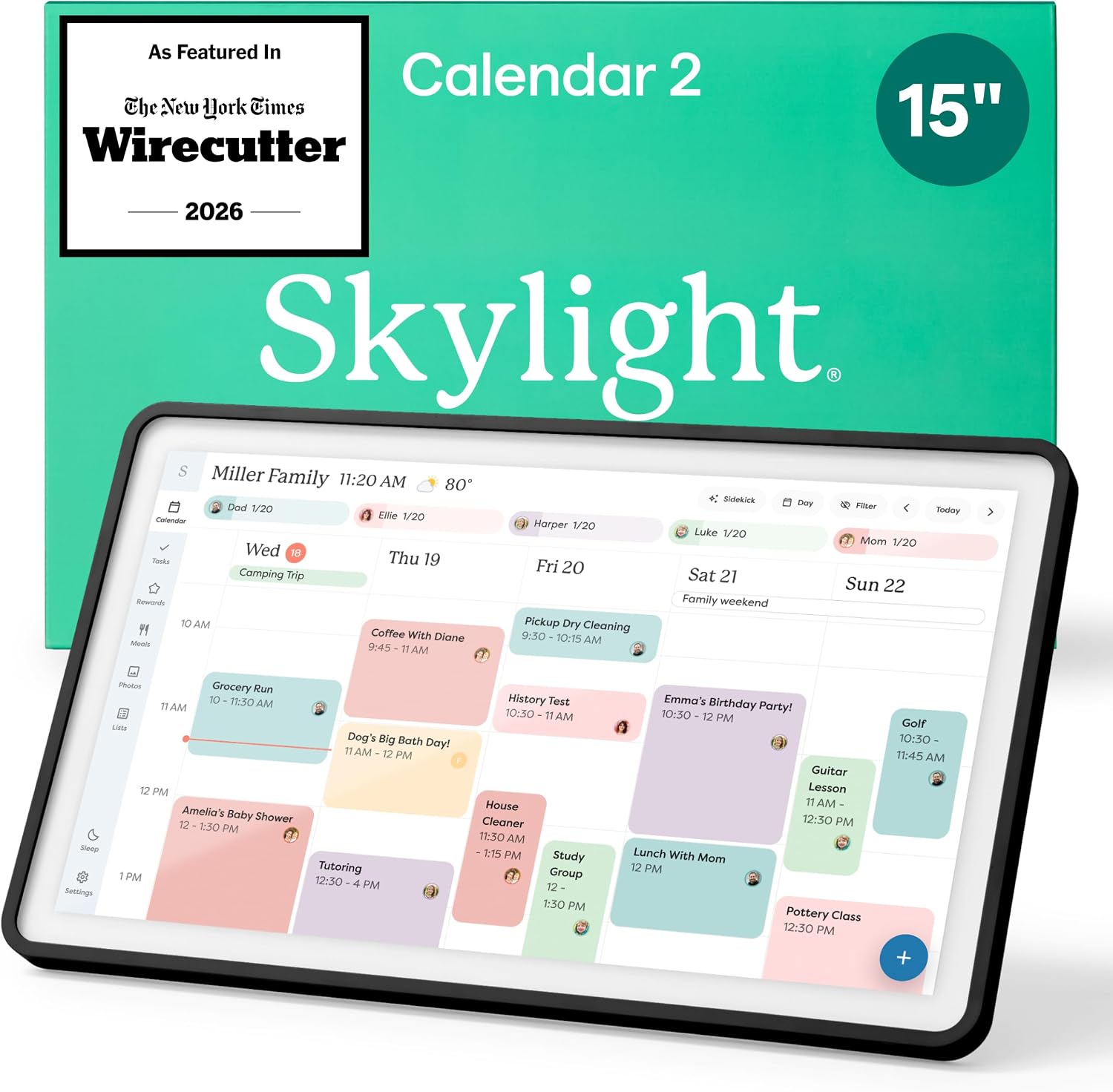

The Skylight 15.4-inch touchscreen digital calendar is the ultimate premium hub for busy families, seamlessly syncing schedules across Google, iCloud, and Outlook. Its interactive chore chart and meal planning features help streamline daily routines and encourage independence with engaging Disney Mode animations. Designed for easy wall mounting or countertop use, this smart display keeps your household organized and connected anywhere with dedicated mobile app access.
Skylight Digital Calendar 2026: 15″ Touchscreen Family Planner
Product Overview
The Skylight Calendar is a 15.4-inch touchscreen wall planner designed to act as a central hub for busy households. As a digital calendar, it combines shared schedules, interactive chore charts, and task lists in one always-on display. It connects to Wi-Fi and syncs with popular calendar services, so family members can view and update events from the device itself or through the companion app.
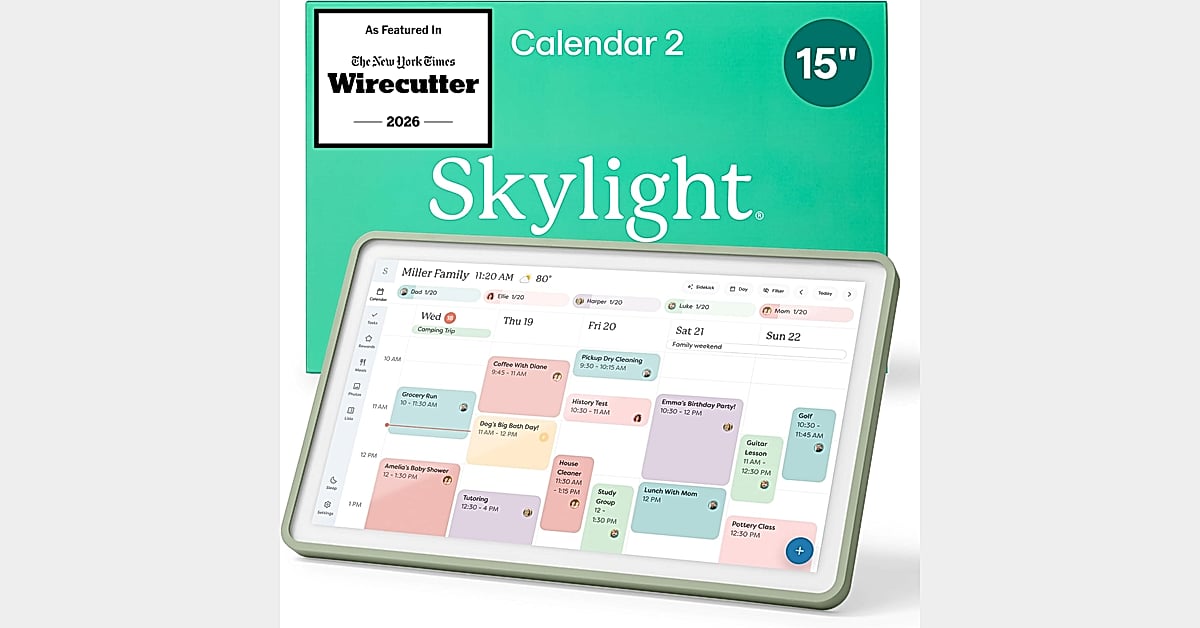
According to the manufacturer, the device can be mounted on a wall or placed on a countertop, desk, or hallway table. It is positioned as a smart home accessory that helps keep shared family events, meal plans, and color-coded schedules visible in a common space.
Key Features and Specifications
- 15.4-inch HD touchscreen: A wall mounted display intended for at-a-glance readability of daily schedules and family events.
- Seamless syncing: The electronic calendar connects to Wi-Fi and syncs with Google, iCloud, Outlook, Cozi, and Yahoo.
- Interactive chore chart: Supports personalized chores to build habits and encourage independence, functioning as a digital chore chart.
- Meal planning: Displays weekly meal plans to reduce daily decision stress.
- Tasks and lists: Shared calendars, tasks, and lists with on-the-go access via the Skylight app.
- Flexible placement: Mounts to a wall or stands on a kitchen countertop, hallway table, or home office desk.
- Optional Plus Plan: Unlocks Magic Import, a photo screensaver, stars and rewards, and Disney Mode with 16 characters and animations (available with the Calendar Plus subscription).
Practical Performance and Intended Use
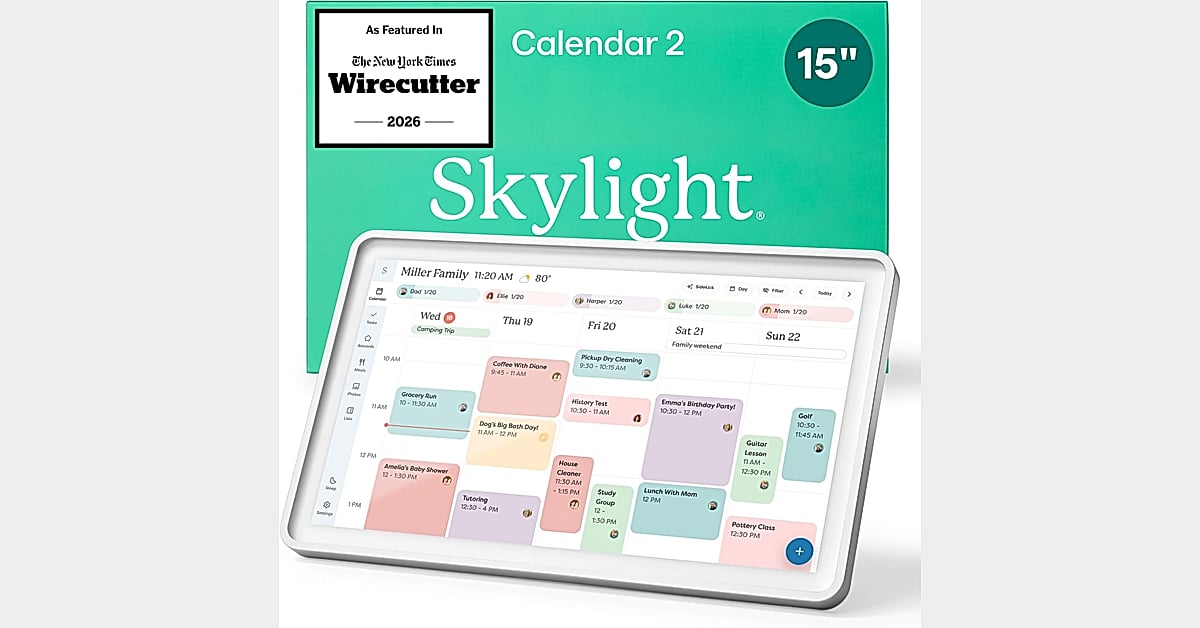
The product appears intended for households that want a single, shared visual agenda in a high-traffic area such as a kitchen or entryway. The touchscreen planner format allows anyone in the home to add updates directly on the device, while remote updates are possible through the app. The manufacturer emphasizes that the display keeps daily schedules readable at a glance and helps bring order to a busy routine.
Because the device relies on Wi-Fi and a connected account, setup and ongoing use depend on a stable home network and compatible calendar services. The optional subscription features, such as Magic Import and the photo screensaver, are not included with the base hardware and require the Plus Plan.
Strengths and Limitations
Strengths
- Large 15.4-inch HD display suited to shared family viewing.
- Syncs with Google, iCloud, Outlook, Cozi, and Yahoo.
- Combines schedules, chores, tasks, lists, and meal planning in one place.
- Flexible wall or countertop placement.
- Interactive touchscreen with app-based remote access.
Limitations
- Some features require an optional paid Plus Plan subscription.
- Requires Wi-Fi and compatible calendar accounts for full functionality.
- Technical specifications such as processor, storage, and battery details are not provided in the supplied product information.
- No independent test results or hands-on measurements are available in the supplied data.
Comparison With Relevant Alternatives
The supplied information does not include direct comparisons with competing digital calendars. In general, buyers choosing a touchscreen family planner should compare display size, calendar service compatibility, chore and task features, subscription costs, and mounting options. The Skylight Calendar’s 15.4-inch display and support for multiple calendar providers are notable differentiators based on the listed features, but readers should verify current pricing and subscription terms before purchasing.
Who Should Buy This Product?
This product may suit families or households that want a shared, always-visible schedule and chore system, especially those already using Google, iCloud, Outlook, Cozi, or Yahoo calendars. It may also appeal to households that value meal planning and task management in a central location.
Households that prefer a simple, subscription-free experience or that do not need a wall mounted display may want to consider other options, since several features require the optional Plus Plan.
Frequently Asked Questions
Does the Skylight Calendar sync with Google Calendar?
Yes. According to the manufacturer, the device syncs with Google, iCloud, Outlook, Cozi, and Yahoo.
Can it be used as a wall mounted display?
Yes. The product can be mounted to a wall or placed on a countertop, desk, or table.
Is the chore chart included?
The interactive chore chart is a listed feature. Stars, rewards, and Disney Mode are available with the Calendar Plus subscription.
Does it require a subscription?
The base calendar functions are listed as features. The optional Plus Plan unlocks additional features such as Magic Import, a photo screensaver, stars and rewards, and Disney Mode.
Sources and Further Reading
Final Verdict
The Skylight Digital Calendar positions itself as a central family organization hub with a 15.4-inch touchscreen, broad calendar syncing, chore tracking, and meal planning. Its strengths lie in visibility and shared access, while its main caveats are the optional subscription for advanced features and the lack of independently verified specifications in the supplied information. For families seeking a wall mounted display that syncs with Google and other providers, it is a plausible option worth evaluating against personal needs and budget.