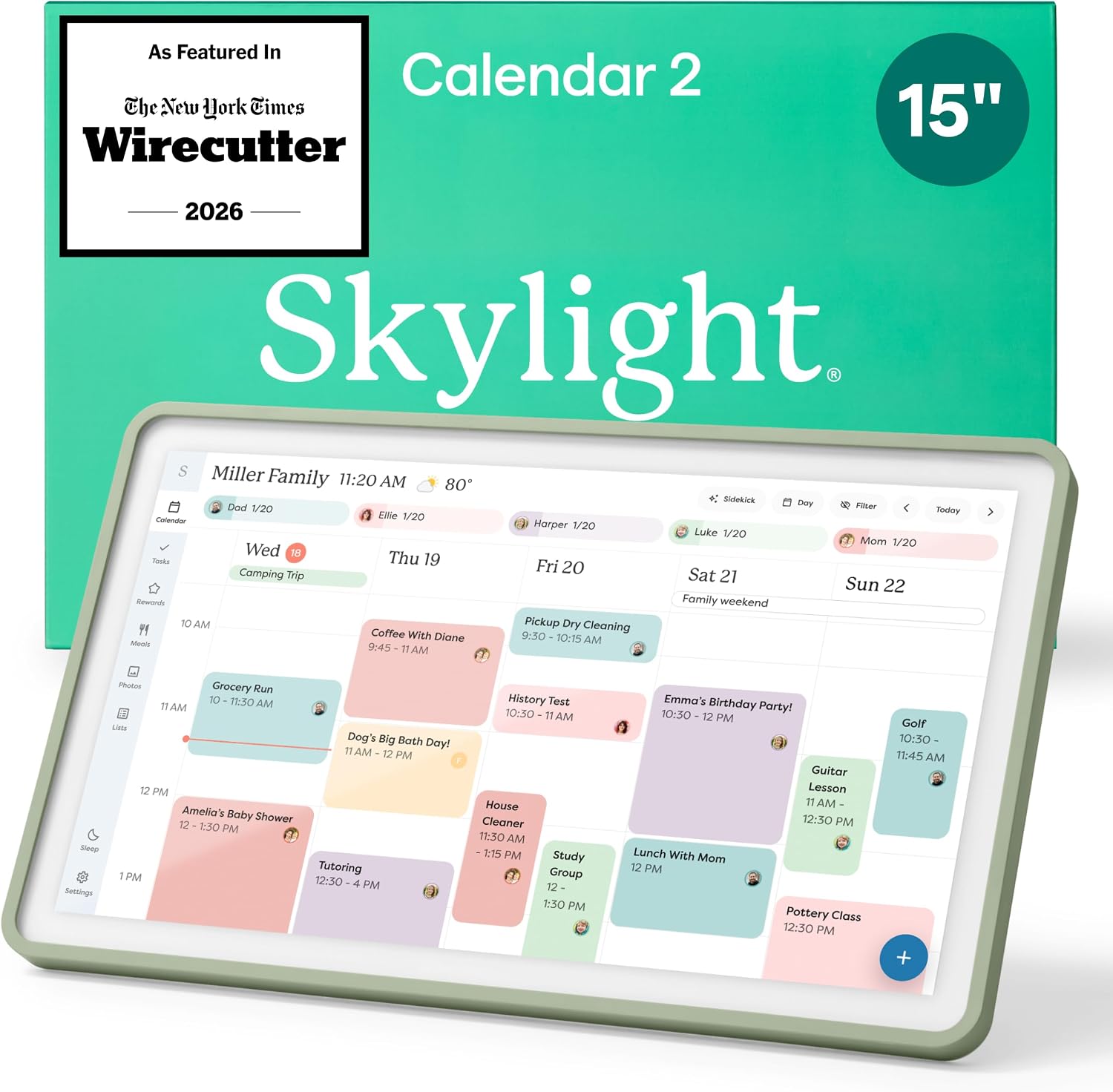
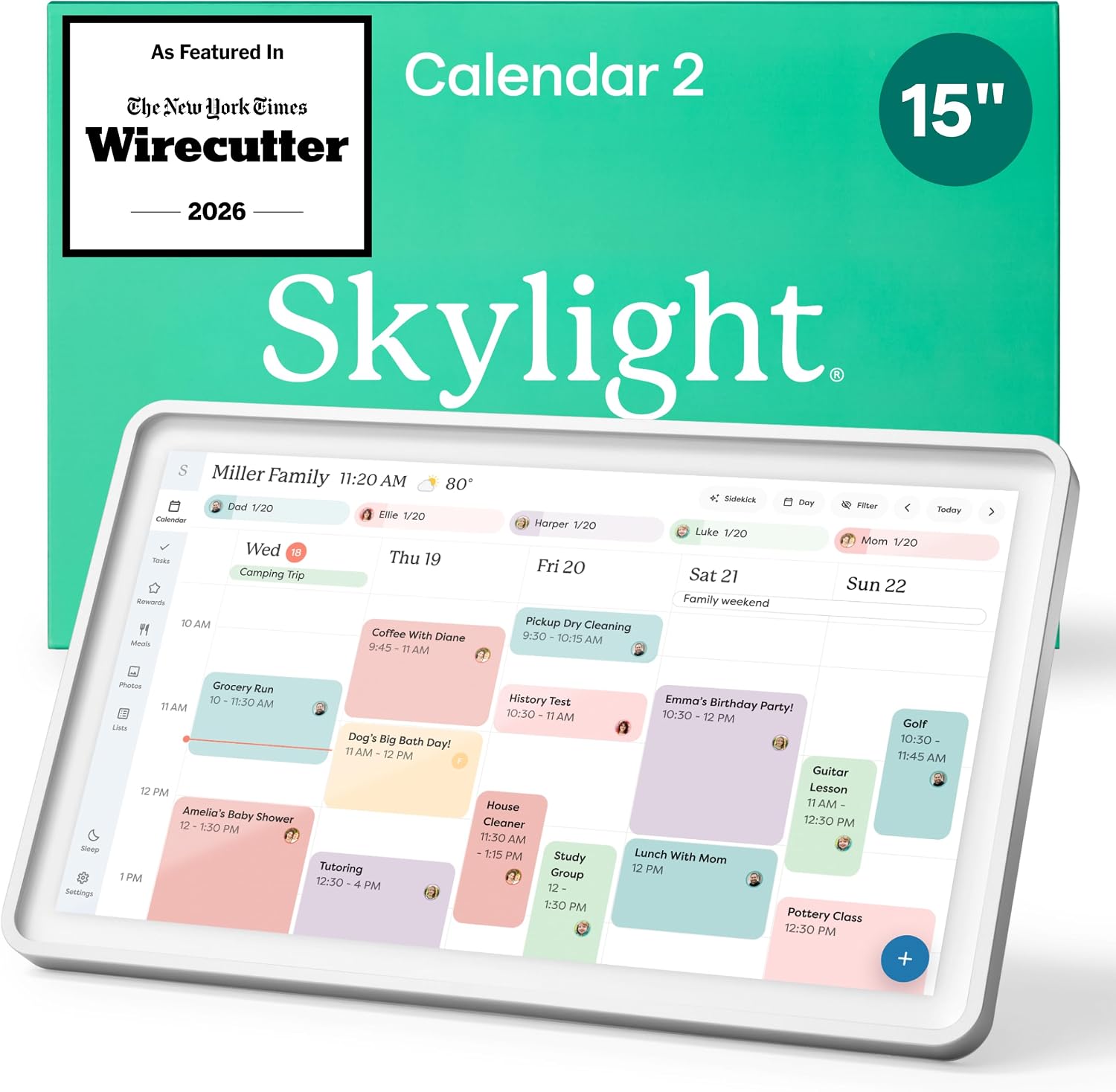
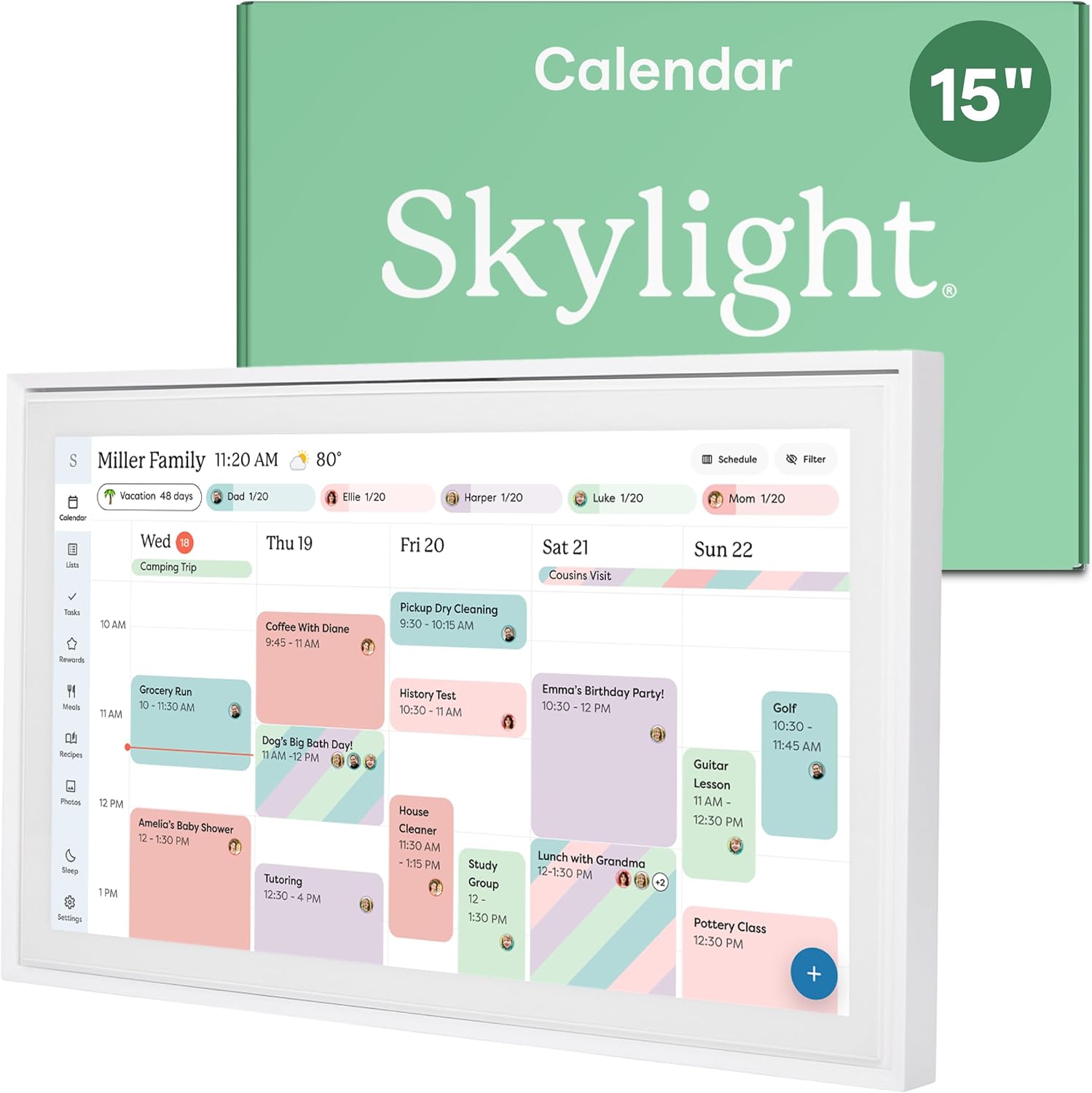
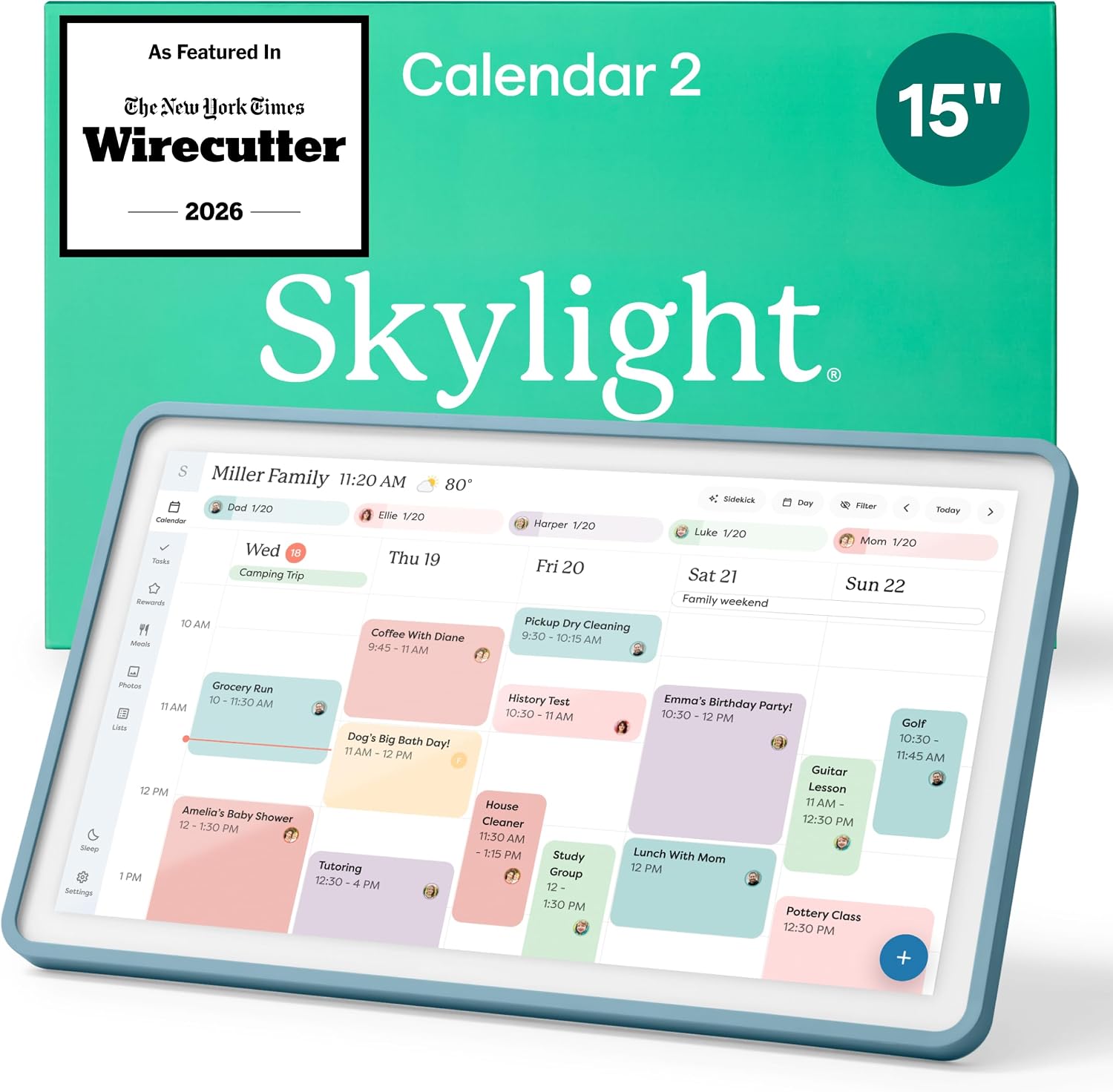
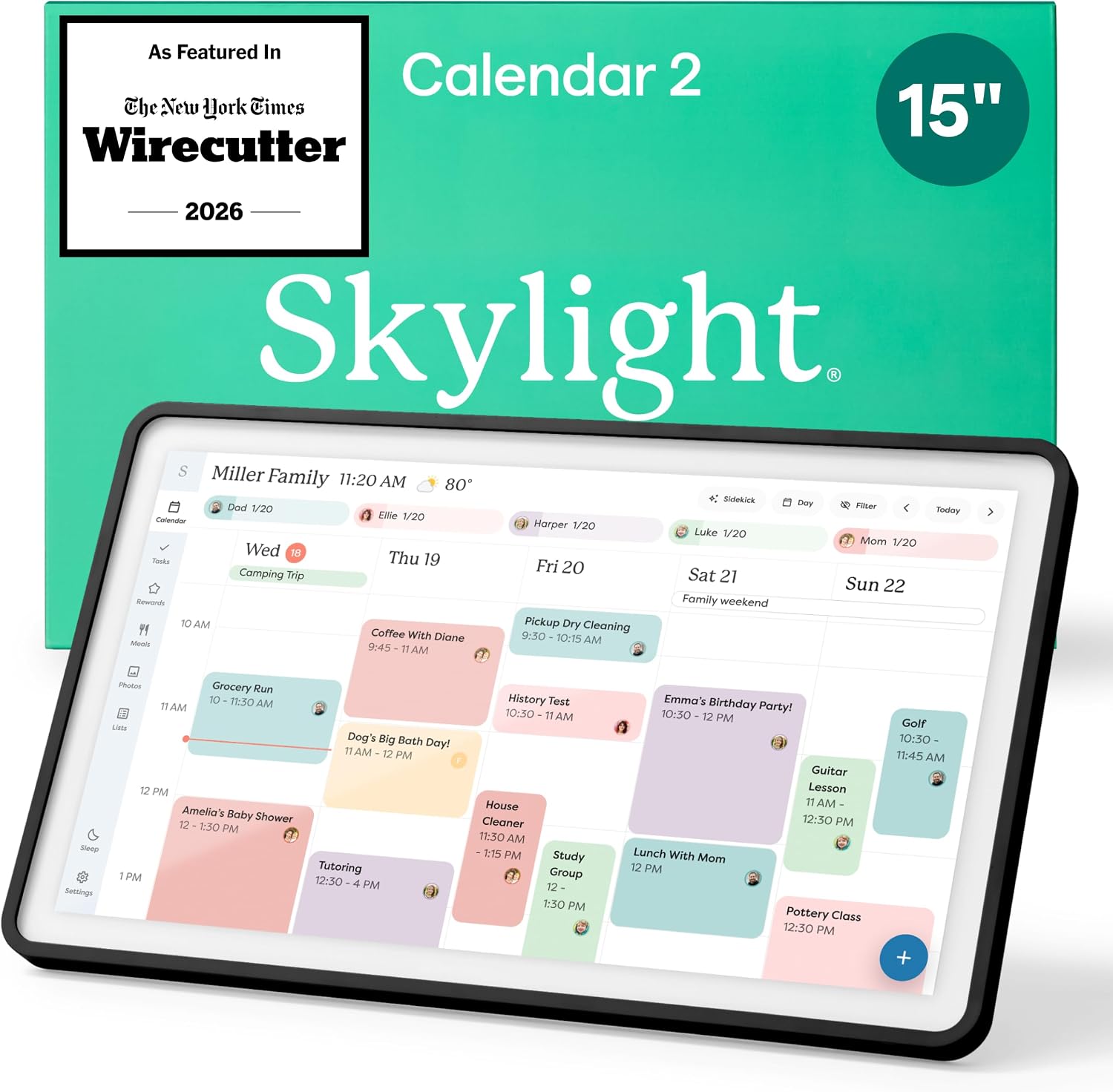

The Skylight Calendar 15" Touchscreen transforms your home command center by seamlessly syncing with Google, iCloud, and Outlook to keep busy families effortlessly in sync. Its interactive features include a digital chore chart and meal planning tools that promote independence and reduce daily stress, all displayed on a sleek HD smart display. Whether mounted on a wall or placed on a counter, this premium hub brings order to your routine with customizable designs and optional Disney Mode animations. Upgrade your household organization with the Skylight Calendar, the ultimate smart solution for managing schedules and shared tasks in one vibrant place.
Skylight Calendar Review: The 15-Inch Touchscreen Smart Hub for Busy Families
Product Overview
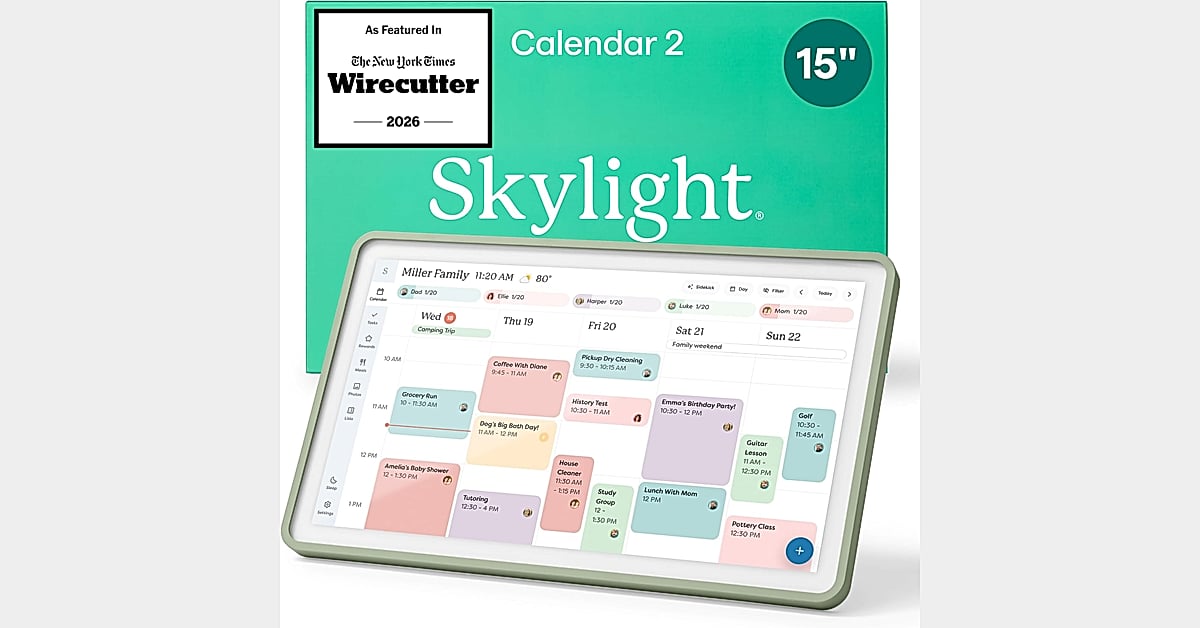
The Skylight Calendar is a 15.4-inch touchscreen wall planner designed to serve as the central hub for busy families. Unlike standard office organizers, this device combines shared schedules with an interactive digital chore chart, aiming to bring order to chaotic daily routines.
Built for long-term use, the Skylight Calendar is designed to support your household’s scheduling needs well beyond 2026. It functions not just as a display, but as an active participant in family management, allowing multiple users to add events, assign tasks, and track progress directly on the screen or via a companion mobile app.
Seamless Syncing Capabilities
One of the most critical features of any modern electronic schedule display is its ability to integrate with existing tools. The Skylight Calendar connects to Wi-Fi within minutes and syncs effortlessly with major platforms including Google Calendar, iCloud, Outlook, Cozi, and Yahoo.
This wi-fi connectivity ensures that your daily schedules and family events remain perfectly readable at a glance. Whether you manage activities through a phone app or a desktop computer, updates appear instantly on the Skylight display. This eliminates the common issue of outdated information found in static planning tools.
Comparison With Traditional Paper Planners
While many households still rely on a traditional wall planner, the shift toward digital solutions offers distinct advantages in convenience and flexibility.
| Feature | Traditional Paper Planner | Skylight Digital Calendar |
|---|---|---|
| Synchronization | Manual entry required | Auto-syncs with Google, iCloud, Outlook, and more |
| Remote Updates | No (must be written by hand) | Yes (via app from anywhere) |
| Chore Tracking | Static stickers or dry-erase marks | Interactive color-coded charts with rewards |
| Longevity | Must be replaced annually | Reusable indefinitely |
| Visual Appeal | Limited to printed layouts | HD display with Disney Mode and screensavers |
As shown above, the Skylight Calendar removes the friction of manual updates. For families juggling school schedules, work commitments, and extracurriculars, the ability to update a schedule remotely is a significant quality-of-life improvement.
Interactive Chore Chart & Meal Planning
Beyond basic scheduling, the Skylight Calendar doubles as a powerful tool for habit formation and household organization. The built-in touchscreen chore chart allows parents to assign personalized tasks to children, encouraging independence and responsibility.
Key features include:
- Color Coding: Assign specific colors to different family members to make task tracking visually intuitive.
- Rewards System: Track completed chores and celebrate achievements, keeping motivation high.
- Meal Planning Display: Showcase weekly meal plans prominently to reduce the daily stress of deciding “what’s for dinner?”
- Disney Mode: Available with the Calendar Plus subscription, this feature features 16 iconic characters, animations, and avatars to encourage family cooperation.
These features transform the device from a passive clock into an active family scheduling assistant.
Customizable Design & Placement
The Skylight Calendar features a sleek, HD smart display that is versatile in how it can be integrated into your home. While marketed as a wall-mounted solution, its design is flexible enough to suit various layouts.
- Wall-Mounted: Mount it in a hallway, kitchen, or home office for a permanent wall-mounted smart planner setup.
- Countertop Use: Sit it beautifully on a kitchen countertop, hallway table, or desk if drilling holes isn’t an option.
The white finish blends naturally into most home decors, ensuring that the technology serves as a functional piece of furniture rather than an eyesore.
Strengths
- Versatile Compatibility: Syncs with almost every major calendar service (Google, iCloud, Outlook, Cozi, Yahoo).
- User-Friendly Interface: The large 15.4-inch touchscreen makes adding events and checking chores easy for both adults and children.
- All-in-One Solution: Combines scheduling, chore tracking, and meal planning into a single device.
- Remote Access: The companion app allows updates from anywhere, ensuring the home display is always current.
- Durable Build: Designed for longevity, eliminating the need to buy new planners every year.
Limitations
- Subscription Costs: Advanced features like Magic Import, photo screensavers, and Disney Mode require a premium Plus Plan subscription.
- Wi-Fi Dependency: While highly convenient, the device requires a stable internet connection to function at full capacity.
- Initial Setup: Requires configuration of third-party calendar accounts, which may take some time for less tech-savvy users.
Final Verdict
The Skylight Calendar is an excellent choice for families looking to streamline their daily lives. By replacing scattered paper notes and sticky reminders with a centralized interactive display, it reduces mental load and keeps everyone on the same page.
While the optional subscription adds to the total cost of ownership, the core functionality—seamless syncing and robust chore tracking—is sufficient for most households. If you are ready to upgrade from a traditional paper system, the Skylight Calendar offers a polished, reliable, and engaging way to manage your home.
Frequently Asked Questions
Does the Skylight Calendar sync with all email providers?
The Skylight Calendar supports synchronization with Google Calendar, iCloud, Outlook, Cozi, and Yahoo Mail. It does not currently support proprietary enterprise systems outside of these mainstream options.
Can children use the chore chart independently?
Yes. The touchscreen interface is intuitive enough for children to check off their own tasks. Parents can manage assignments and rewards via the app or directly on the device.
Is the Disney Mode included for free?
No, Disney Mode is part of the optional Calendar Plus subscription. However, the base model includes fully functional scheduling and chore tracking without additional fees.
How do I mount the Skylight Calendar?
The device comes with mounting hardware for wall installation. Alternatively, it can be placed on any flat surface, such as a kitchen countertop or desk, using its built-in stand.